


Which recovery case is yours?
| Your situation | Route | First step |
|---|---|---|
| Forgot the password, still have the registered phone or email | Self-service recovery | Check capitals, keyboard and autofill; then use password recovery |
| Recovery message or code does not arrive | Check the contact, then support | Confirm which contact is registered and that it can receive messages |
| Registered contact was mistyped at sign-up | Support | Explain the error; do not register again |
| Lost or replaced phone, number still yours | Self-service once the number works again, otherwise support | Restore the number; reset the password if the old phone was unlocked |
| Phone number or email no longer yours | Support | Ask for a change to the contact linked to the account |
| Someone else may have changed your details or used the login | Security route through support | Contact support immediately; see the unfamiliar activity guide |
| Sign-in works but the account is restricted | Not a recovery case | Read the notice or ticket; see verification and restrictions |
The last two rows matter because they are often mistaken for recovery. A restriction is lifted by resolving its cause, not by a new password, and suspected misuse needs the security sequence in the unfamiliar activity guide.
Resetting through the registered contact
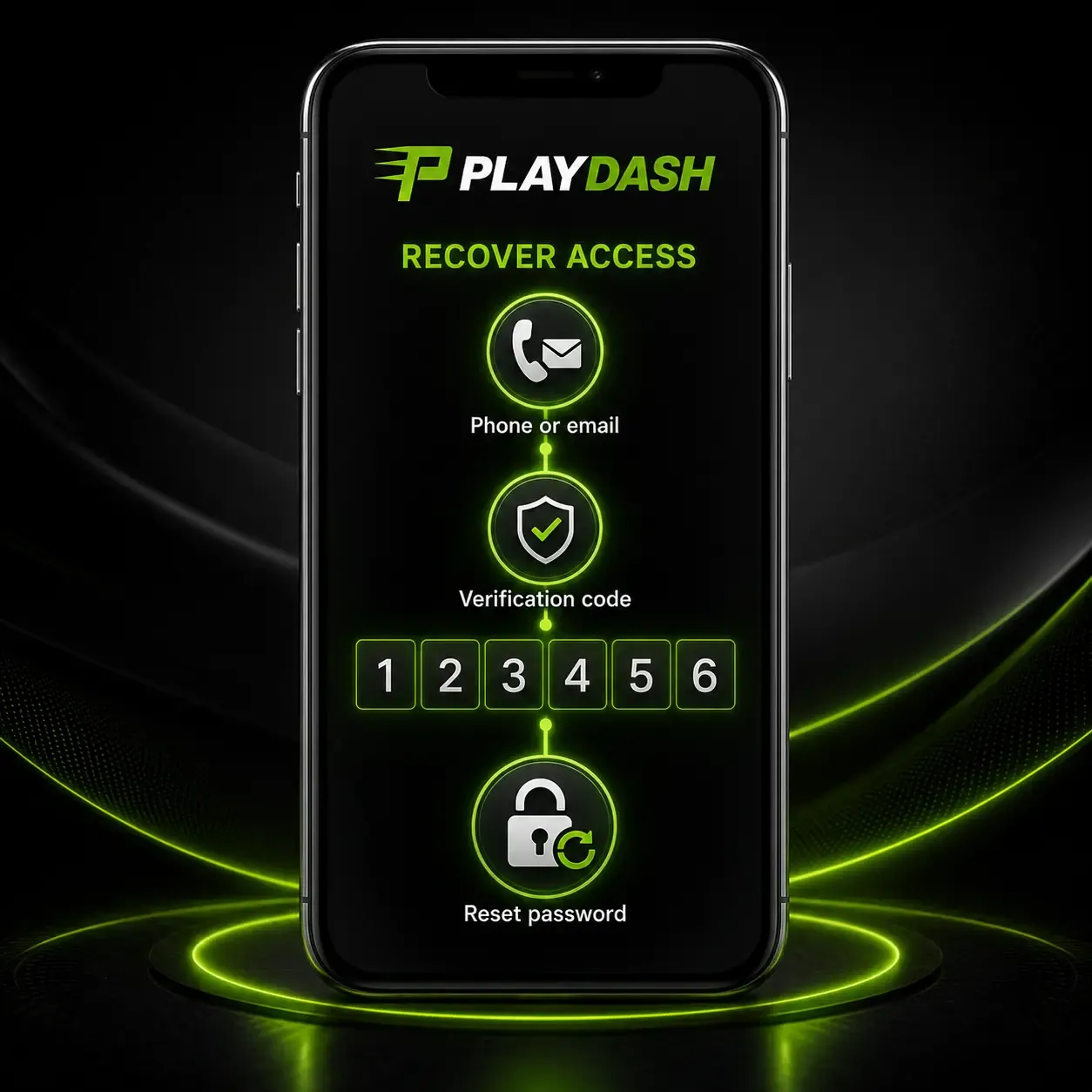
Before resetting, rule out the simple causes: capital letters, the keyboard language, a saved autofill entry from before a change, and the spelling of the phone number or email. If the password really is lost, open the login page, choose the password-recovery function and follow it using the phone number or email supplied at registration. A verification code may be sent to that contact; use the newest one, and request another if it has expired.
Choose a new password that is unique to PLAYDASH and not reused from email, social media or another gambling site, combining upper- and lower-case letters, numbers and symbols with enough characters to make guessing difficult. After the reset, return to the normal login page and sign in again. If a browser or password manager saved the old password, update it now, or the same failure will return.
When the registered contact is no longer available
If the phone number or email on the account is lost, closed, mistyped at sign-up or controlled by someone else, the self-service route cannot reach you. Contact support from a phone or computer and explain whether the problem concerns the password, the registered phone number, the registered email or verification. Support can assist with password recovery and with changes to the contact information entered during sign-up.
Expect to show that the account is yours. Have ready the registered phone number or email as you remember it, the approximate date of registration and of your last successful login, recent deposits or withdrawals with their methods, and the device you normally use. If verification documents are requested, send them only through the official account or a confirmed support channel, never through a social-media page or a reply to an unexpected message. Opening another profile is not a replacement for recovering the original login.
A lost or replaced phone
A PLAYDASH account is not stored on the phone: the balance, history and settings stay with the login and appear on any compatible device. What a lost phone can take with it is access to the registered number, any recovery or verification messages, and possibly an unlocked browser that was still signed in.
If the phone was lost or stolen while signed in, treat it as a security case: reset the password from another device, contact support, and report any session or transaction you do not recognise. If the number itself is still yours, restoring it with your mobile provider brings back the recovery route. If you replaced the phone normally, open the site in a current browser on the new device, sign in with the same details and, if you like, add a home-screen shortcut. Avoid unofficial APK files on a new phone; no official APK or store app is confirmed, and an app using the PLAYDASH name is not automatically connected to the official account system.
Keeping recovery possible
The cheapest recovery is the one prepared in advance. Register with a phone number or email you expect to keep, confirm it when asked, and check it again while you still have access, because a typo at sign-up can turn a forgotten password into a support case. Protect the registered email account as carefully as PLAYDASH itself, since password-recovery messages may be sent there. Keep the PLAYDASH password unique, and never share it, even with someone you trust.

Why a new account is not a recovery
Opening a second account to get back in feels quick, but PLAYDASH applies a one-player-one-account rule. Duplicate profiles linked through the same IP address, device or payment method can lose promotional eligibility, and a new registration does not move the original balance, history or verification. It also makes the real recovery harder, because there are now two profiles to untangle. Do not create a replacement account unless support specifically instructs you to.
Privacy while recovering
Recovery attracts impostors, because a person locked out is willing to accept help. Nobody needs your password, PIN or one-time code to help with a legitimate request, and a message asking for them by email, chat or Telegram should be treated as suspicious. Open the official site yourself rather than following links in messages. In screenshots for support, hide passwords, codes and full card or account numbers.
Frequently asked questions
I forgot my password. What is the fastest way back in?
Check capitals, keyboard language and autofill, then use the password-recovery function with your registered phone or email.
The recovery code never arrives. What should I check?
That you used the registered contact, that the phone or inbox can receive messages, and that you requested a fresh code. Then contact support.
My registered phone number is no longer mine. Can I still recover the account?
Contact support and ask for a change to the contact linked to the account. Be ready to show the account is yours.
I changed phones. Do I lose my balance?
No. The balance and history stay with the login. Sign in on the new device with the same details.
Can I just open a new account?
No. Duplicate accounts can lose bonus eligibility and do not transfer the original balance. Recover the original through support.
Will support ask for my password?
No. Treat any request for your password, PIN or code as suspicious.
Getting the original account back
Find your case in the table, use the self-service reset if you still control the registered contact, and go to support with the right details if you do not. Keep the original account, set a unique password, and fix the registered contact while you can. If anything on the account looks unfamiliar after you return, follow unfamiliar activity; if sign-in works but use is limited, read verification and restrictions; and the account help overview connects every symptom.